Introducing the Blue Bird Aesthetics App: A Doctor-Led Companion for Your Treatment Journey
A calm, doctor-led companion for your treatment journey — free, instant, and with no login required.
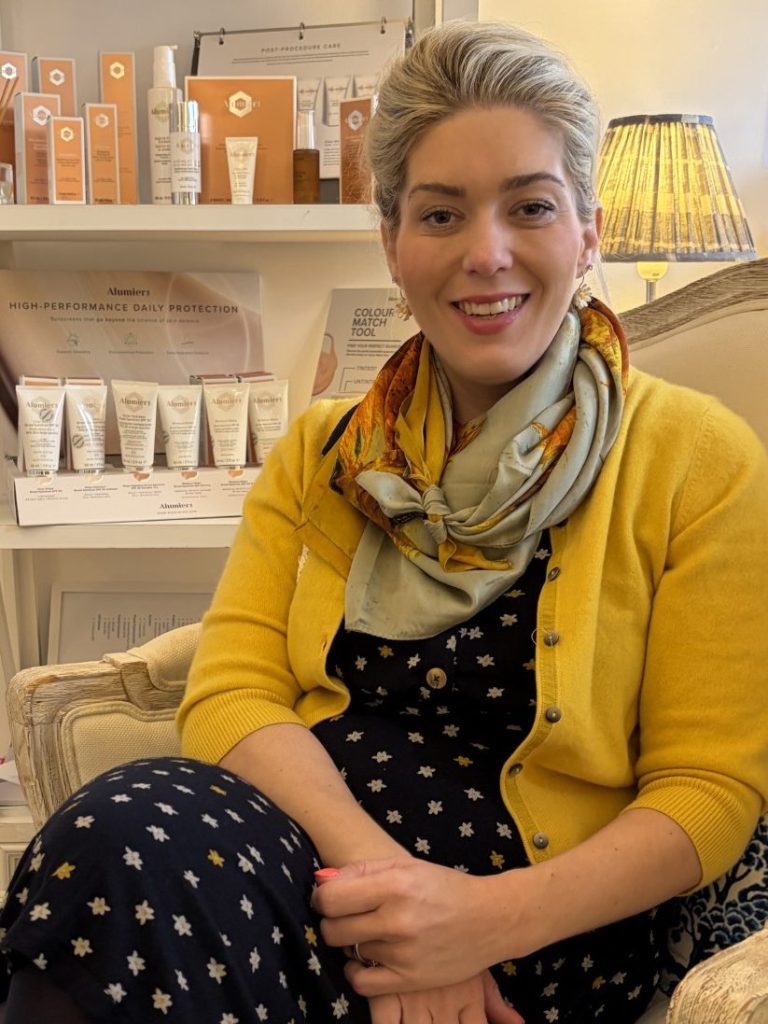
By Dr Amber Halliday, MRCGP MBBS BSc (Hons) — GP & Aesthetics Doctor | Blue Bird Aesthetics, Worthing
When patients leave my clinic, I want them to feel supported all the way through their recovery — not just while they are with me. That is why I built the Blue Bird Aesthetics App: a calm, doctor-led space where you can find clear guidance on your treatment, what to expect, and how to look after your skin at every stage.
It is not an app in the traditional sense. There is no download, no login, no password to remember, and no personal data stored. You open it like a website, add it to your home screen, and it sits there ready whenever you need it — whether that is the night before your appointment, on day three of NeoGen recovery, or whenever a question comes up.
I wanted something that felt like picking up a calm, knowledgeable guidebook — not logging into yet another account. The app is exactly that: quiet, clear and always there.
— Dr Amber Halliday
TL;DR — Quick Summary
The essentials in seconds:
✓ Free, instant and private — no login, no tracking, no ads, no data stored.
✓ Designed for Blue Bird patients, new and existing, at every stage of their journey.
✓ Features include a NeoGen Downtime Calculator, Aftercare Library, Treatment Library and Appointment Planner.
✓ The ‘Is This Normal?’ section provides calm reassurance post-treatment.
✓ Add it to your home screen like a normal app — iPhone or Android, no app store required.
✓ Open it at any time: the link is here.
Who Is It For?
The app is for every Blue Bird patient — whether you are coming for the first time and want to feel prepared, or whether you are on day five of NeoGen recovery and want to know whether what you are seeing is normal. It is also useful before a consultation, if you want to explore what a treatment involves before we meet.
Think of it as an easy-to-use guidebook for your aesthetics journey, written in the same calm, honest, doctor-led voice as this website.
What’s Inside
The app currently includes:
- Treatment Library — every treatment at Blue Bird explained clearly, from anti-wrinkle injections to NeoGen Plasma.
- NeoGen Hub — mechanism, results and what the recovery involves, in full.
- NeoGen Downtime Calculator — tell the app which areas were treated and get a personalised day-by-day recovery guide.
- Aftercare Library — post-treatment guidance for every treatment offered.
- Is This Normal? — calm, reassuring answers to the questions that come up after treatment.
- Appointment Planner — prepare for your visit clearly and without fuss.
- My Care Guide — personalised pre- and post-treatment notes.
- Recovery Timelines — what to expect and when, treatment by treatment.
- Seasonal Skin Guides — how to adjust your skincare through the year.
- Ask Blue Bird — type any question and the app will help answer it, or direct you to WhatsApp.
- Parking & Clinic Access — practical information for your visit.
The NeoGen Downtime Calculator
This is the feature I am most proud of. NeoGen Plasma is a powerful treatment and the recovery period — typically five to seven days — needs planning around your life. The downtime calculator asks you which areas were treated and generates a personalised, day-by-day guide to what your skin will be doing and when it will be ready for different activities.
Most NeoGen patients tell me they open it every morning through their recovery. It is a small thing, but having a clear, calm picture of what is normal on day three versus day five makes a real difference to the experience. Everything about the recovery in detail is on my NeoGen cost, results and recovery guide.
Your Privacy, Simply
What the app does not do
It does not store any personal data. It does not track who opens it or what they read. There are no external advertisers. There is no login to create or forget. It simply offers clear, doctor-led information whenever you need it.
This was a deliberate choice. I come from an NHS background where patient privacy is foundational, not optional. An app that patients trust completely is more useful than one that requires trust to be earned. The app does not need to know who you are to help you.
How to Add It to Your Phone
You do not need to visit an app store. The link is at bluebirdaesthetics.co.uk/. Once you are there:
- On iPhone (Safari): tap the Share button ↗ at the bottom of the screen, then choose ‘Add to Home Screen’. The app icon will appear like any other app.
- On Android (Chrome): tap the three-dot menu ⋮ in the top right, then choose ‘Install App’ or ‘Add to Home Screen’.
Once added, it opens full-screen and works offline for most features.
How Patients Use It
The most common pattern I hear: patients open the app the evening before their appointment to read through what to expect, check the preparation guidance, and arrive feeling settled rather than searching the internet at midnight. After treatment, the aftercare library and the ‘Is This Normal?’ section become the most-used features. And for NeoGen patients, the downtime calculator is a daily companion through recovery.
If a question ever comes up that the app cannot answer, the ‘Ask Blue Bird’ feature will do its best — or point you to WhatsApp, where you can reach me directly.
Frequently Asked Questions
Is the app free?
Completely. There is no cost, no subscription, and no in-app purchases.
Do I need to create an account?
No. Open the link and it works immediately. Nothing to remember.
Does the app store my information?
No personal data is stored. The app does not know who you are.
Can I use it if I am not a Blue Bird patient yet?
Yes. The Treatment Library, What to Expect sections and other guides are useful for anyone exploring their options.
Does it replace medical advice?
No. It is a companion resource, not a clinical tool. If you have a concern after treatment, contact the clinic directly.
Is there an Android version?
It works on any device with a browser. Add it to your home screen on Android via Chrome — no separate version needed.
A Note From Me
I know that the days around a treatment can feel uncertain — particularly with something like NeoGen where the recovery is visible. I built this app because I wanted patients to have a reliable, calm source of information that is there at 11pm when the NHS website is not quite right and the Instagram post you found is not quite trustworthy.
It is mine. It is written in my voice. And I update it as treatments and evidence evolve. I hope you find it useful.
Ready to try the app?
Open it now — no login, no download, no fuss.
Related reading: Your First Consultation: What to Expect · NeoGen Plasma: Cost, Results & Recovery · How to Choose a Safe Aesthetics Clinic in Worthing